Change the interface language
1 min readUpdated 9 days agoBy NodeBook Team
Change it
- Open the account menu and click Interface language. You can also press Ctrl+Shift+L (Mac: ⌘⇧L).
- Choose:
- Automatic: Match your device, using your device's language when NodeBook offers it.
- English
- العربية, marked RTL because it reads right to left.
- Click Apply.
The whole app switches, including the direction of menus and the canvas tools. In Arabic, keyboard arrows that move left and right follow the reading direction too.
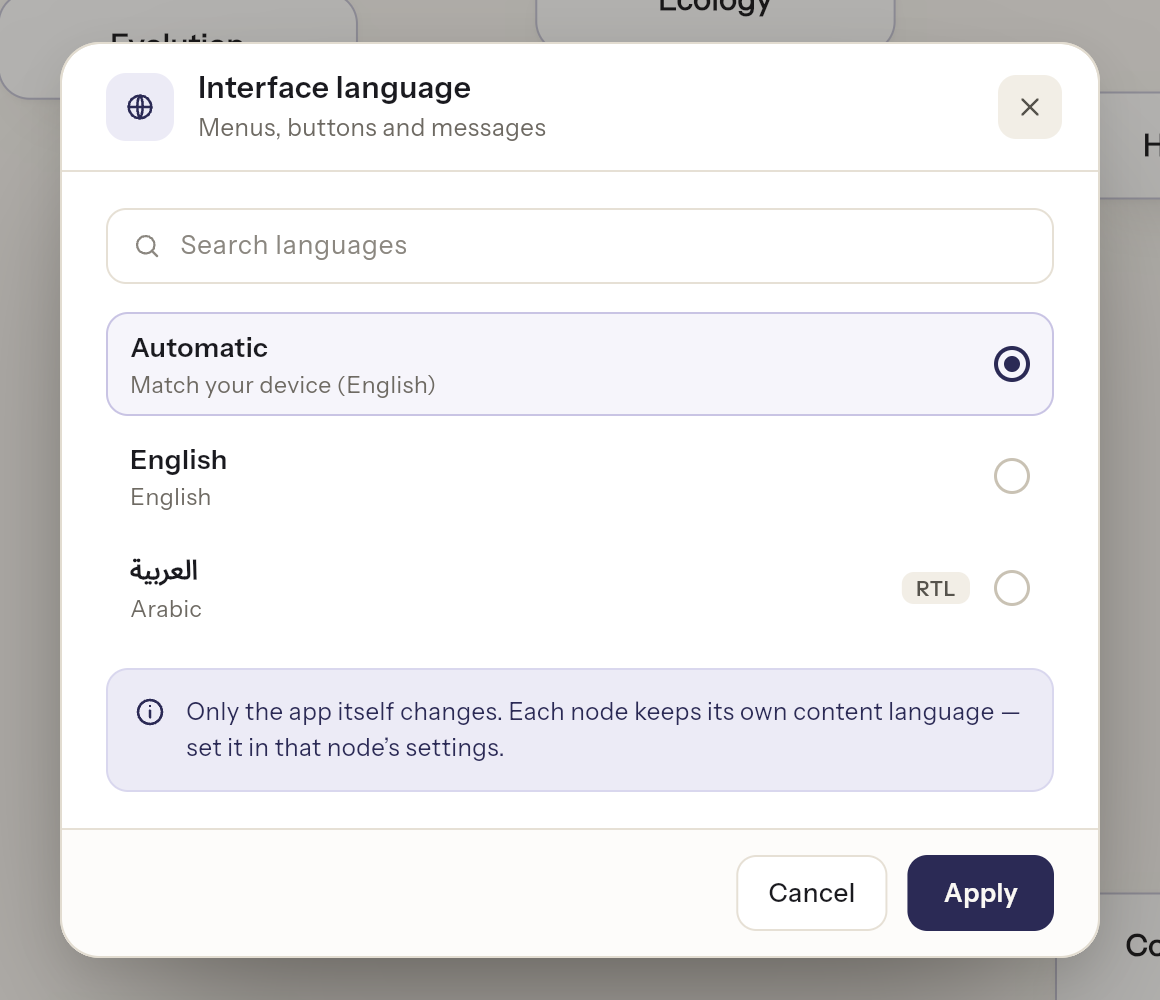
The interface language and the content language
Only the app itself changes. Each node keeps its own content language — set it in that node's settings.
So you can use NodeBook in Arabic while writing an English NodeBook, or the other way round. See English and Arabic content.
The website
The NodeBook website has its own language switch at the bottom of each page.
Essential Canvas Controls:
Was this article helpful?