Change your password
1 min readUpdated 10 days agoBy NodeBook Team
Change it
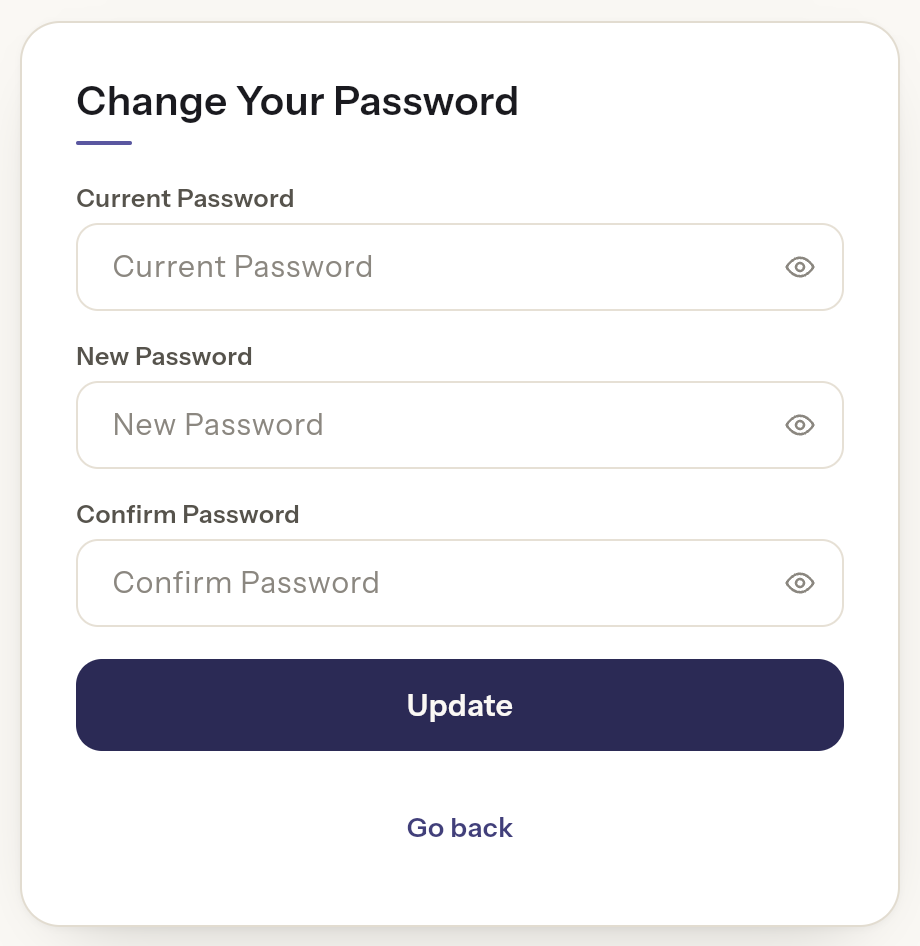
- Open the account menu and click Change password.
- Under Change Your Password, enter your Current Password.
- Enter your New Password and type it again in Confirm Password. It needs at least 8 characters.
- Click Update.
You see Password changed successfully. and go back to your NodeBook, still logged in. Next time you log in, use the new password.
Click Go back to leave without changing anything.
Common problems
- The password does not match: the two new passwords are different. Type them again.
- The current password is wrong: if you don't remember it, log out and use Forgot password? on the login page. See Forgot your password?.
Signed up with Google? You don't have a NodeBook password to change: you always log in with Continue with Google.
Was this article helpful?