Show or hide node numbers
1 min readUpdated 9 days agoBy NodeBook Team
💡 Pro Tip:
Teaching from the canvas? Choose All, always so everyone can follow along: "now look at node 4".
What node numbers are
Each child of the central node has a small number. It tells you which key to press to jump to it (Alt and the number), and gives everyone the same way to point at a node when you teach.
Change when numbers show
- Open the account menu and click Appearance & theme.
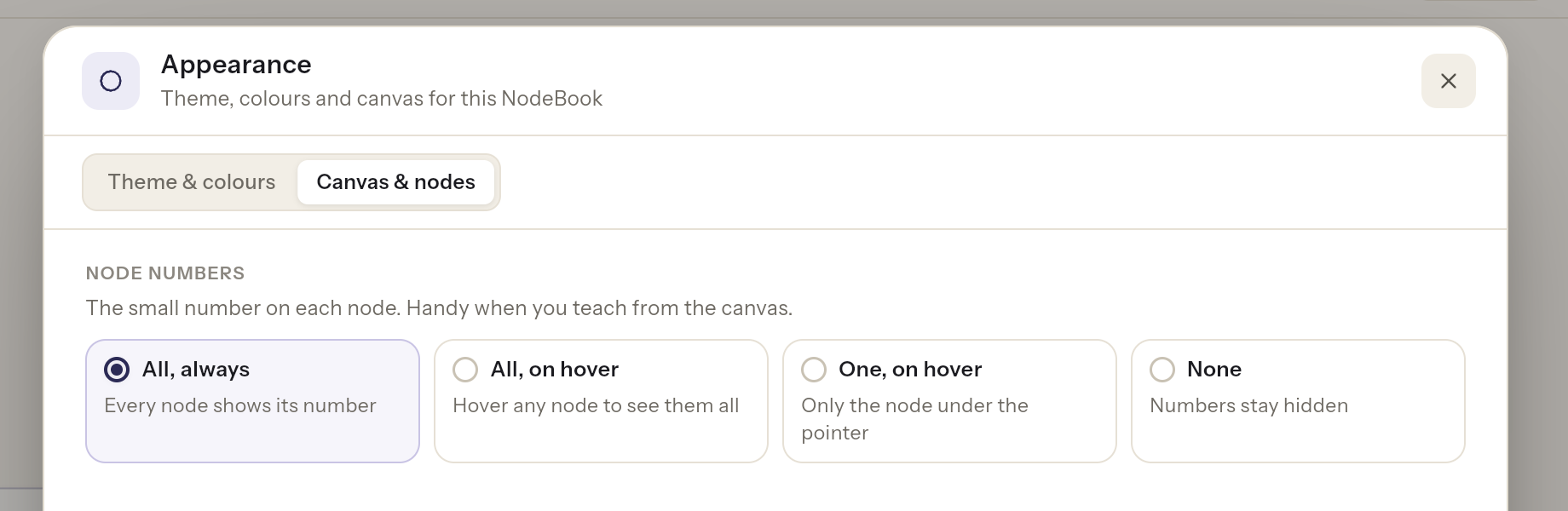
- Go to the Canvas & nodes tab.
- Under Node numbers, choose one:
- All, always: every node shows its number.
- All, on hover: point at any node to see them all.
- One, on hover: only the node under the pointer shows its number.
- None: numbers stay hidden.
The change shows on your canvas straight away.
Was this article helpful?