Collapsible sections
2 min readUpdated 9 days agoBy NodeBook Team
💡 Pro Tip:
Put the answer to a practice question in a collapsible section, so students try it first.
Add a collapsible section
- In Edit mode, put the cursor where the section should go.
- Click Add collapsible in the toolbar.
- Write its heading, then add what should be inside.
Readers see only the heading until they open it.
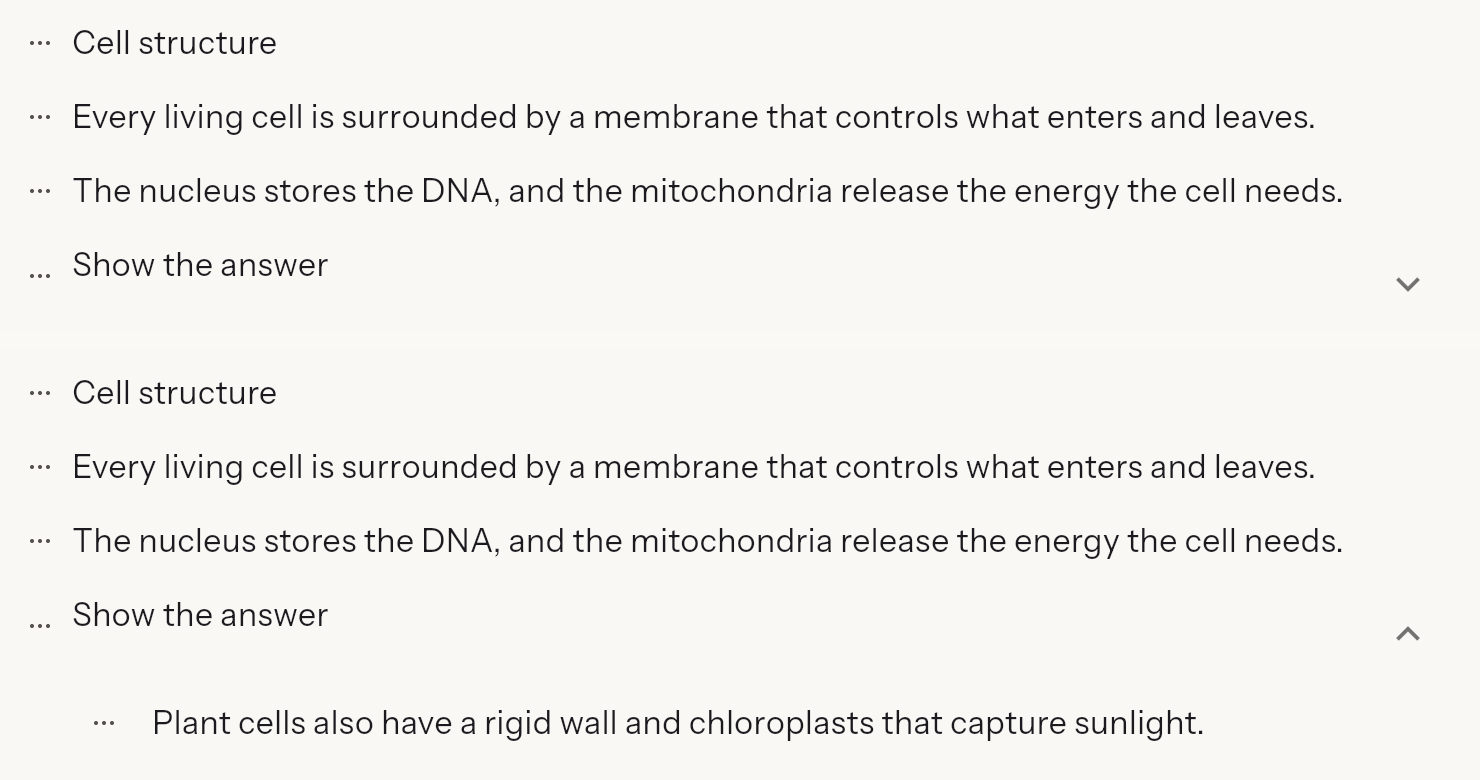
Put existing content in a section
Every line, image or video has a ⋮ menu at its side:
- Make it collapsible: wraps it in a new collapsible section.
- Add to collapsible: moves it into the collapsible section just above it.
- Remove from collapsible: takes it back out.
Arrange what's inside
In the ⋮ menu of an item inside a section:
- Step Up and Step Down move it up or down within the section.
- Edit Text changes a text item.
- Delete removes it.
To move a whole section, use Move Up and Move Down in the section's own ⋮ menu.
Was this article helpful?