How saving works
1 min readUpdated 9 days agoBy NodeBook Team
Saved as you type
There's no need to save. Every change to a tab is saved a moment after you make it.
While you're editing, the top bar shows where things stand:
- Saving…: your latest change is on its way.
- Saved: everything has reached the server. Point at it to see Every change is saved as you type.
- Not saved · retrying: NodeBook can't reach the server right now and keeps trying.
The Save button at the start of the formatting toolbar saves the tab straight away, if you want to be sure.
If changes can't be saved
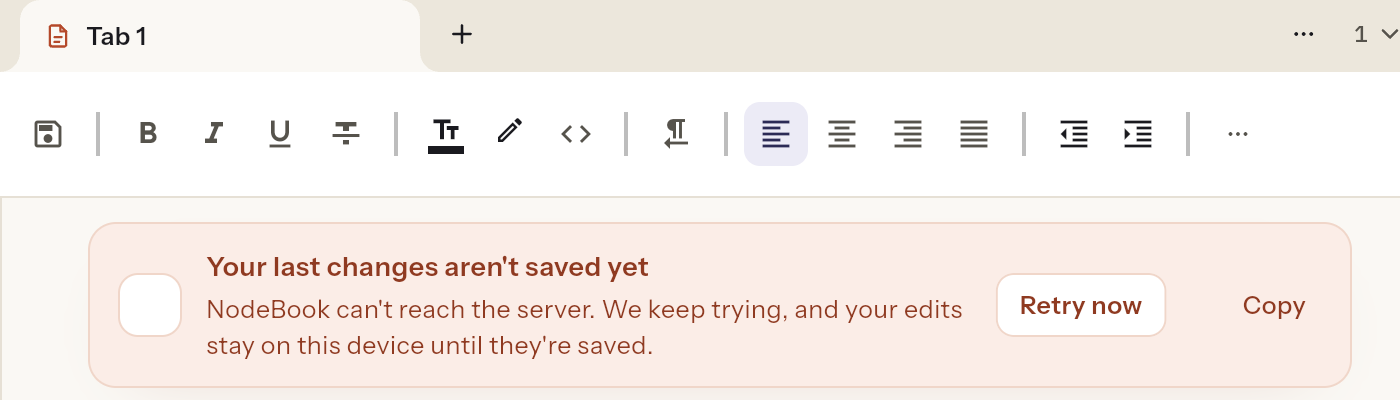
If the connection drops for a while, a banner says Your last changes aren't saved yet. Your edits stay on this device and are sent as soon as the connection is back.
- Click Retry now to try again straight away.
- Click Copy to copy what you wrote, as a backup.
- Don't close the browser tab until you see All changes saved. If you try, the browser warns you that some changes haven't been saved.
See "Your last changes aren't saved yet" for more.
Was this article helpful?