Add handwriting
1 min readUpdated 9 days agoBy NodeBook Team
💡 Pro Tip:
On a tablet with a stylus, turn on pen-only drawing so your palm doesn't leave marks.
Add handwriting
- In Edit mode, put the cursor where the handwriting should go.
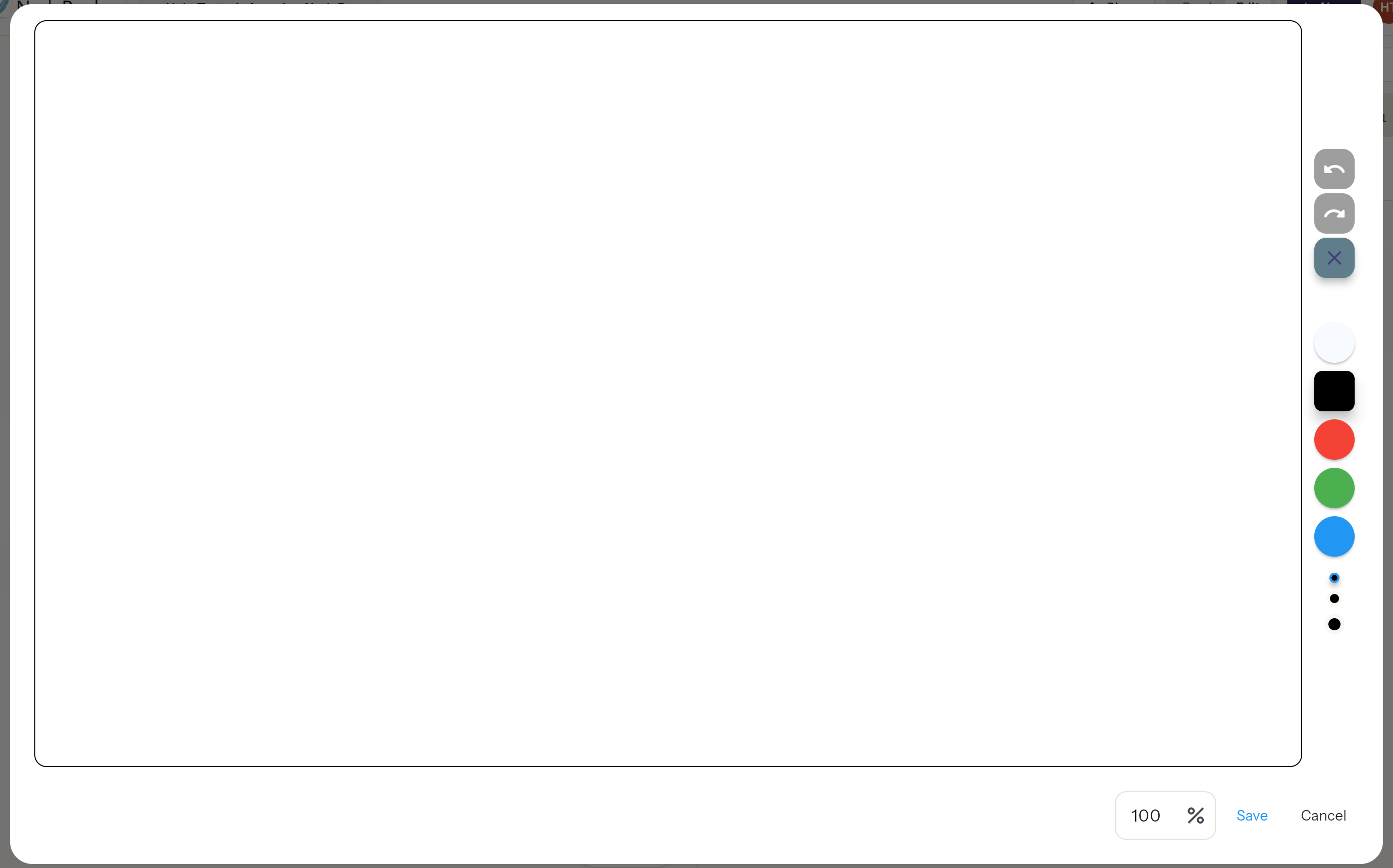
- Click Add handwriting in the toolbar. A drawing window opens.
- Write or draw.
- Click Save to put it in the tab, or Cancel to discard it.
The drawing tools
- Black, Red, Green and Blue ink.
- Erase to rub out strokes.
- Undo, Redo and Clear All.
- Pen-only mode: only a stylus draws; fingers and palms are ignored.
- Height: how tall the drawing is in the tab, as a percentage.
Edit it later
Click ⋮ beside the handwriting and choose Edit to open it again and carry on.
Handwriting is saved inside the tab, so it stays with your NodeBook and people you share with see it. That's the difference from the canvas pen, which isn't saved.
Was this article helpful?