Listen with Read aloud
1 min readUpdated 10 days agoBy NodeBook Team
Start reading
- Open a node's content and go to the tab you want to hear.
- Click Read aloud in the top bar. In Edit mode it's also in the formatting toolbar.
NodeBook reads the active tab from the start, highlights the part it's reading and scrolls to keep it in view.
To start from a particular place, select the text you want to start from, then click Read aloud.
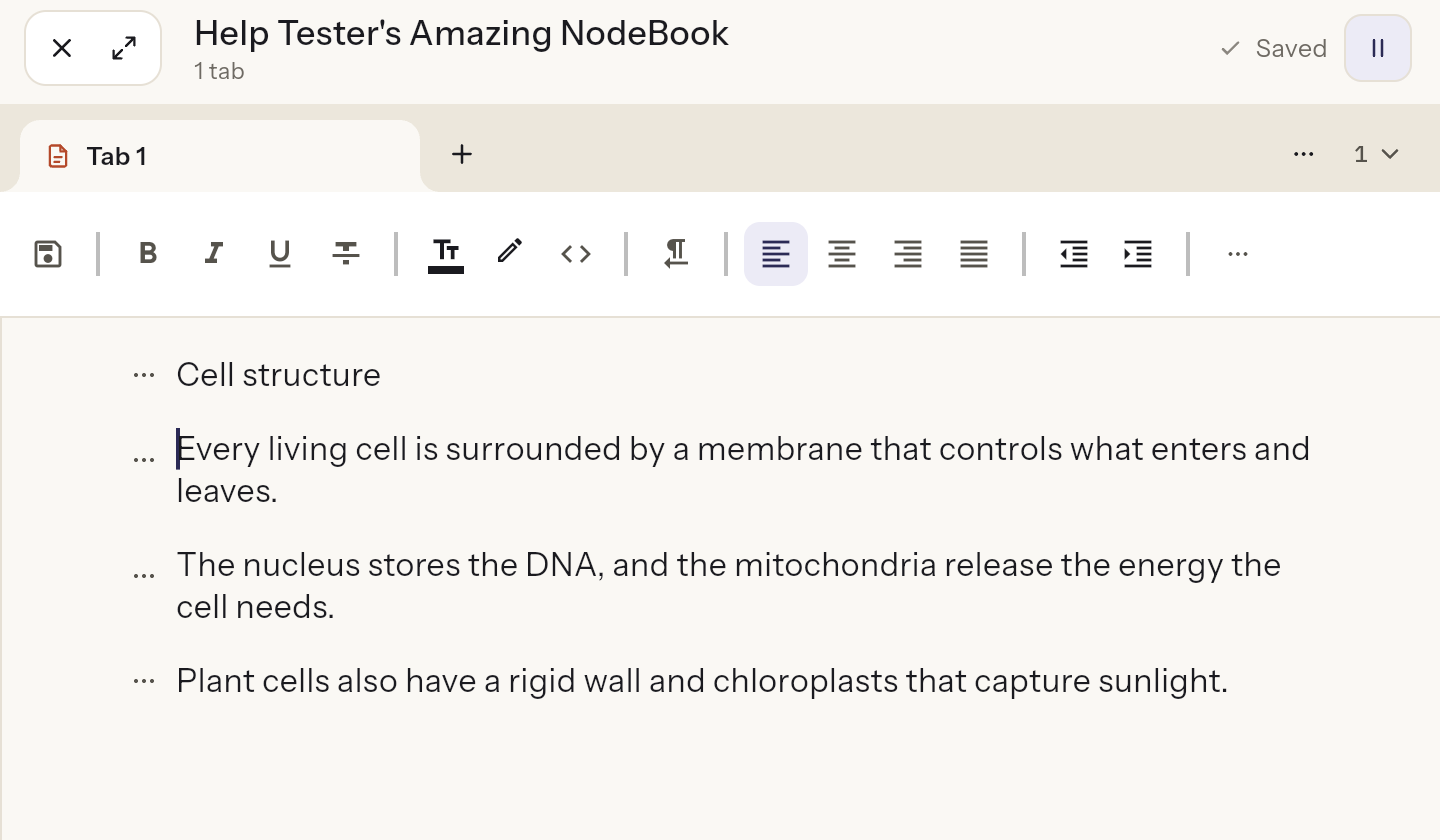
Pause and stop
Click Stop reading to pause. Click Read aloud again to carry on from where it stopped.
Voices
Read aloud uses the voices installed on your device and browser, so how it sounds depends on them. It picks an Arabic voice for Arabic text and an English voice for English text. If nothing is read, check that your device has a voice for that language.
Was this article helpful?